
Phone
Keep your drawings close. View, measure and mark up details on site.
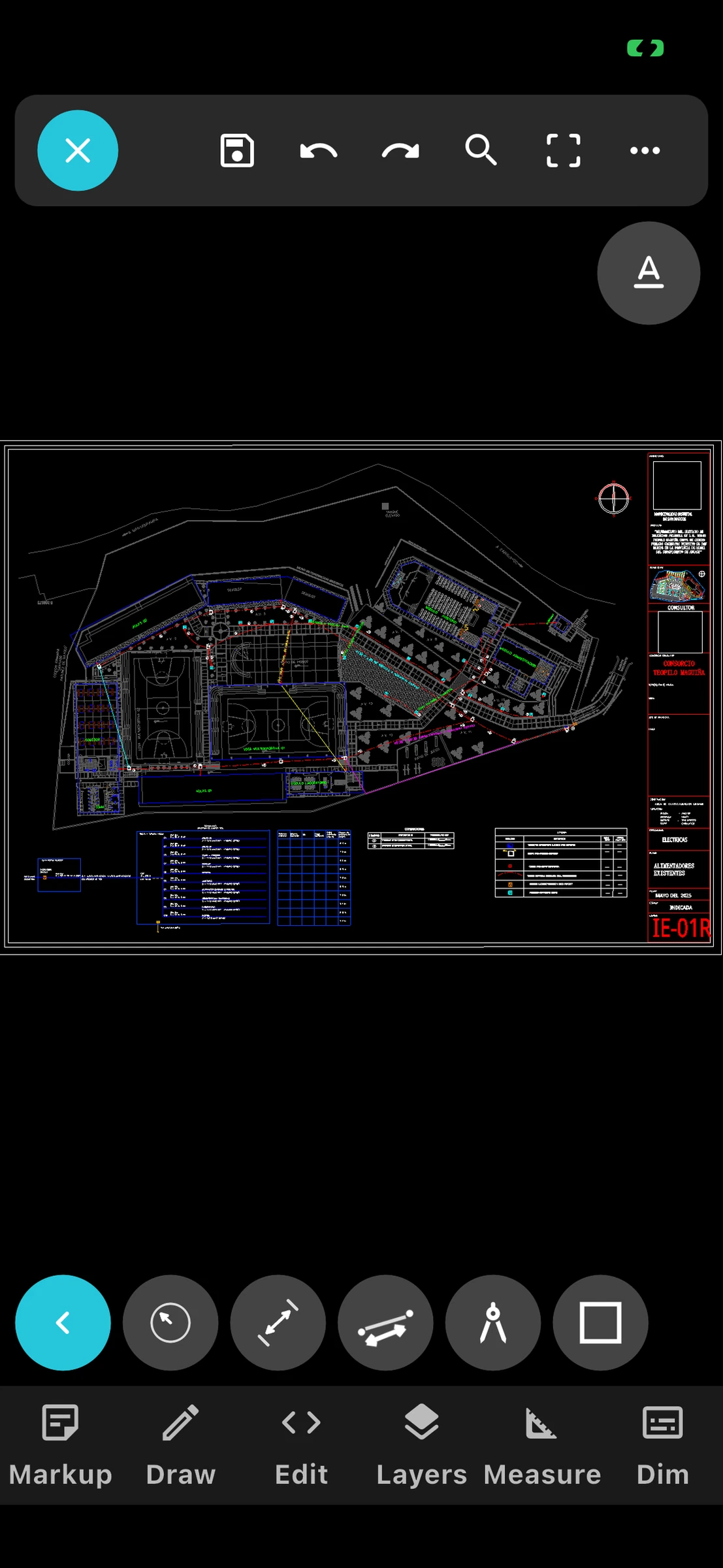 View full size
Phone — screenshot 11 / 4
DWG & DXF · Phone · Tablet · Mac / PC
XCubeCAD Viewer opens DWG and DXF files on your phone or tablet with the speed and accuracy you expect from desktop CAD. Check dimensions on site, switch layers, mark up issues and share drawings with your team.
View full size PHONE · TABLET · MAC / PC
Explore the English interface, from quick checks on your phone to a larger CAD workspace at your desk.
Keep your drawings close. View, measure and mark up details on site.
View full size Give complex drawings more room, with a touch-friendly workspace.
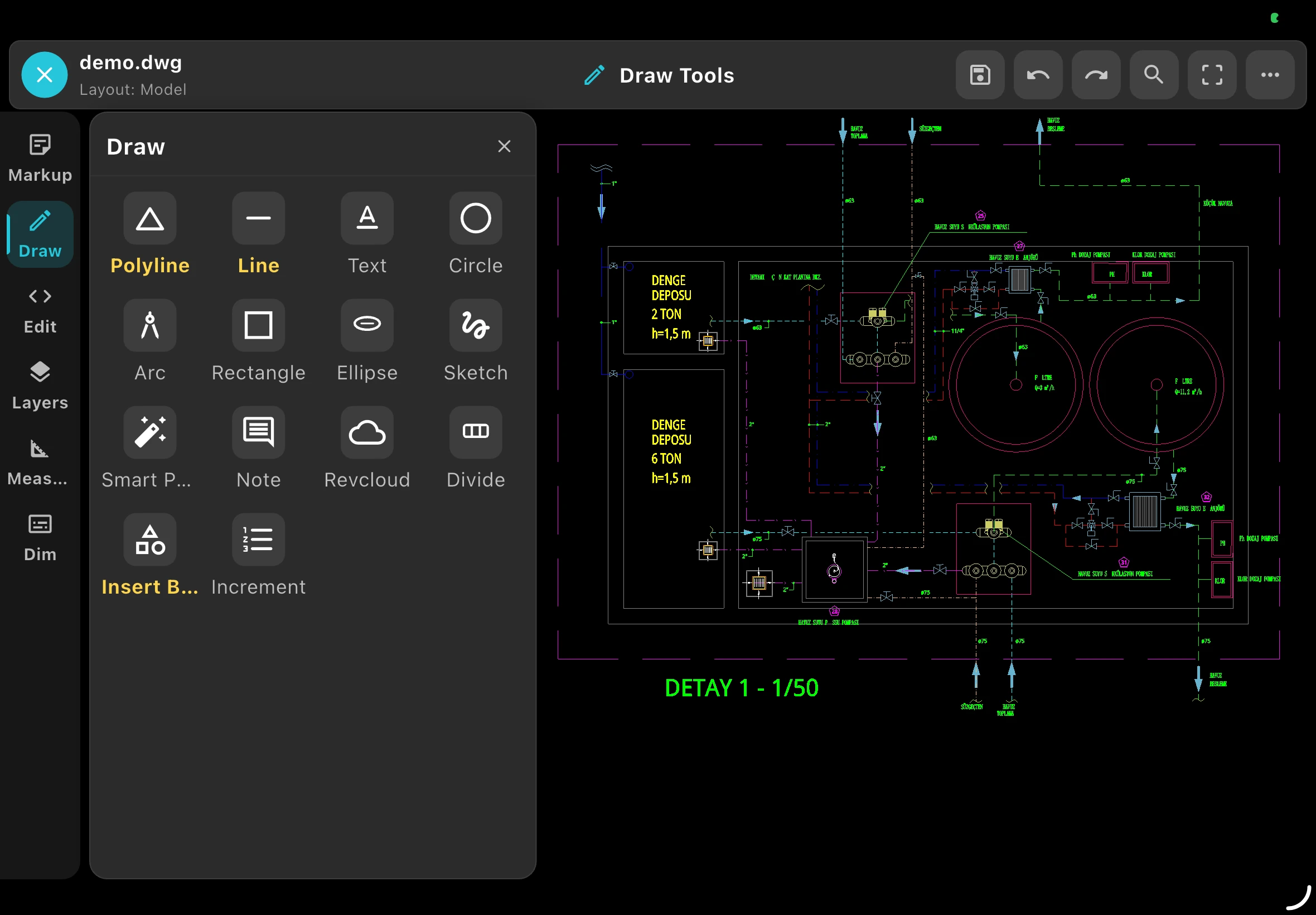 View full size
Explore the desktop workspace. Check Downloads for platform availability.
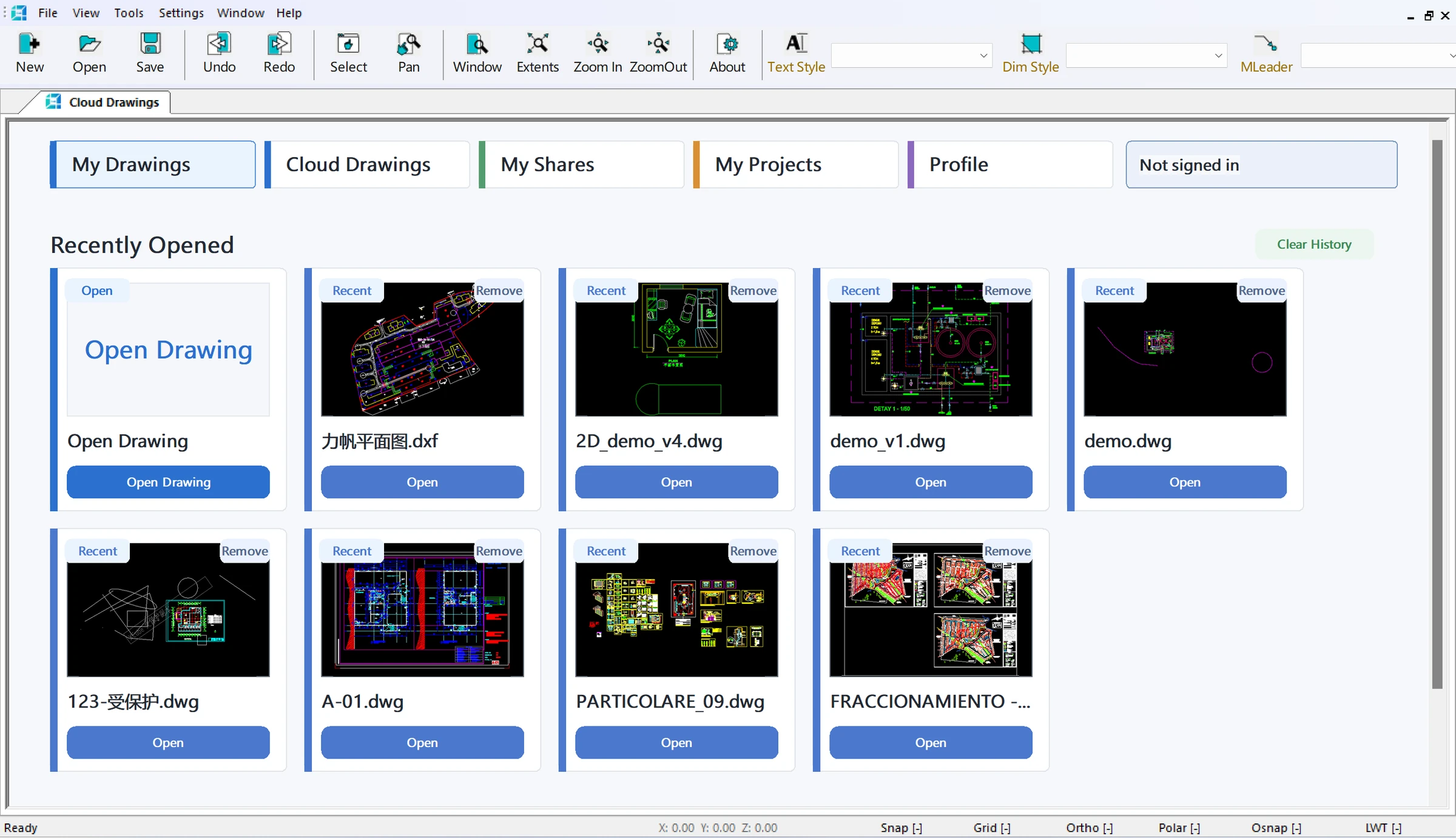 View full size
A native rendering engine keeps pan and zoom smooth on drawings with hundreds of thousands of entities, complex blocks and dense hatching.
Snap to geometry and measure distances and areas directly on the drawing, so you can answer questions without going back to the office.
Drawings saved on your device open without an internet connection — in basements, tunnels or remote sites.
FROM DRAWING TO FIELDWORK
Practical tools for site visits, drawing handover and working with existing PDF plans.
CAPTURE ON SITE
Record what you see on site with watermarked photos, then bring visual context into drawing annotations. Help your team understand the issue, not just its location.
Explore Watermark Camera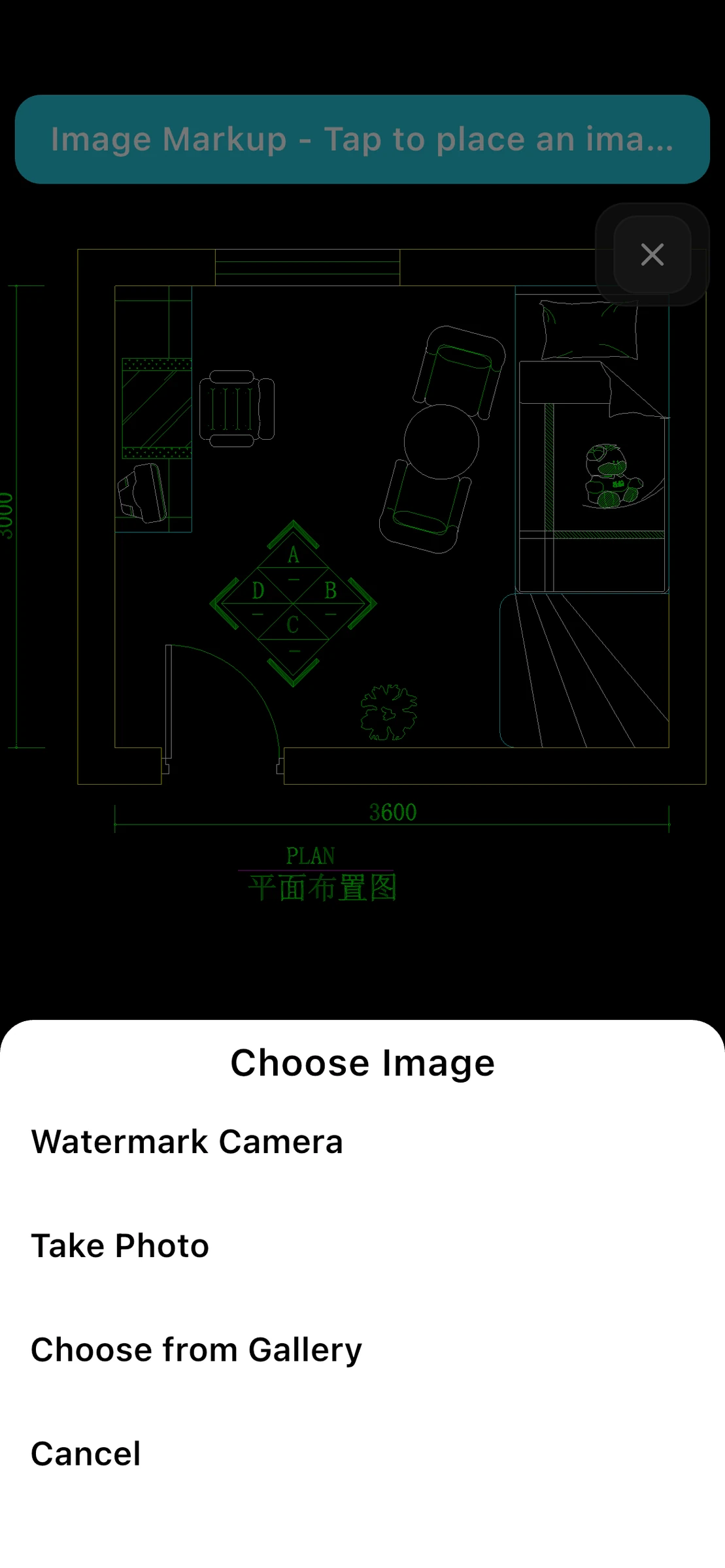 View full size
SHARE WITH YOUR TEAM
Create a link to a drawing and send it to your team. Set the sharing options and add a visible watermark when you need your shared drawings to carry context.
Explore Drawing Link Sharing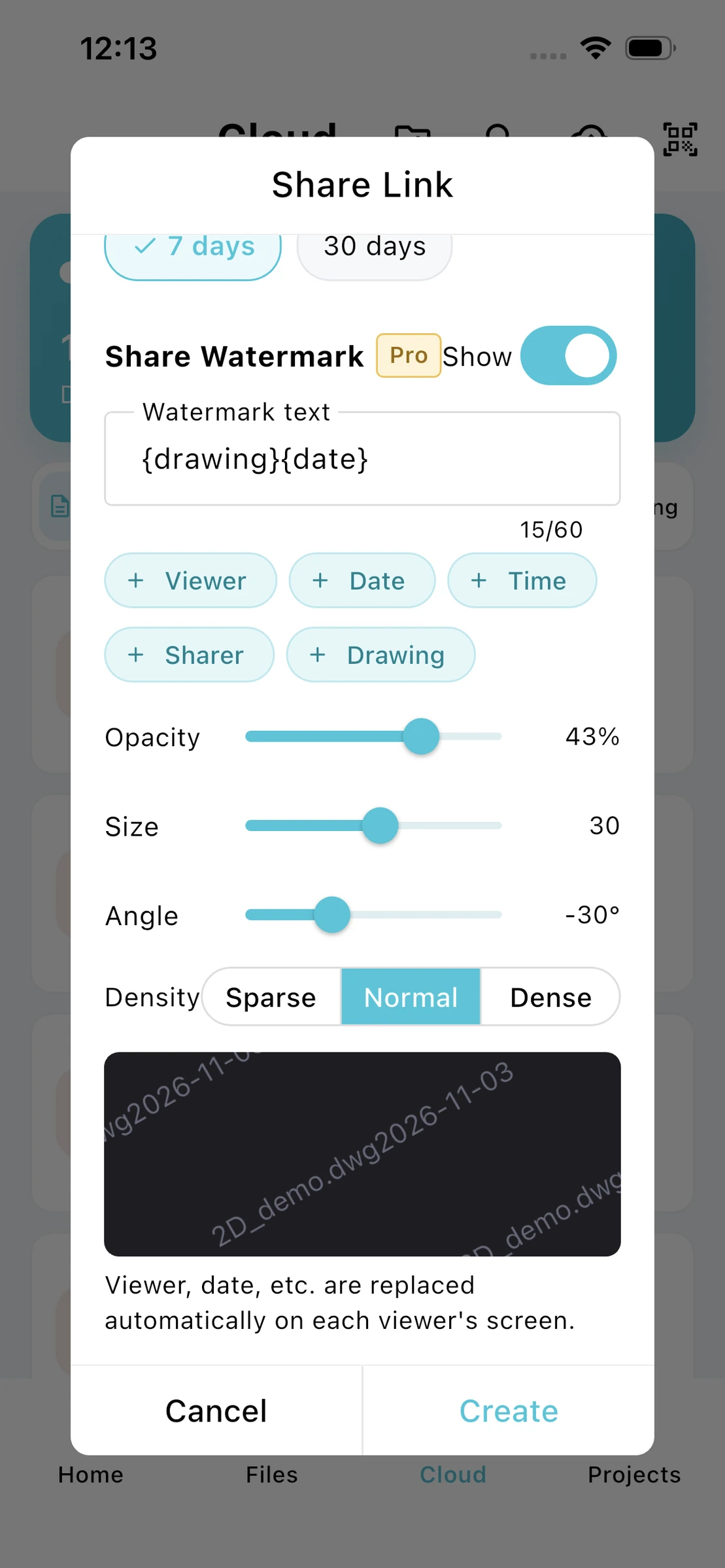 View full size
REUSE EXISTING DRAWINGS
Start with a PDF drawing and convert it to a CAD file in the app. Open the converted drawing to review the result and continue with measurement and annotations.
Explore PDF to CAD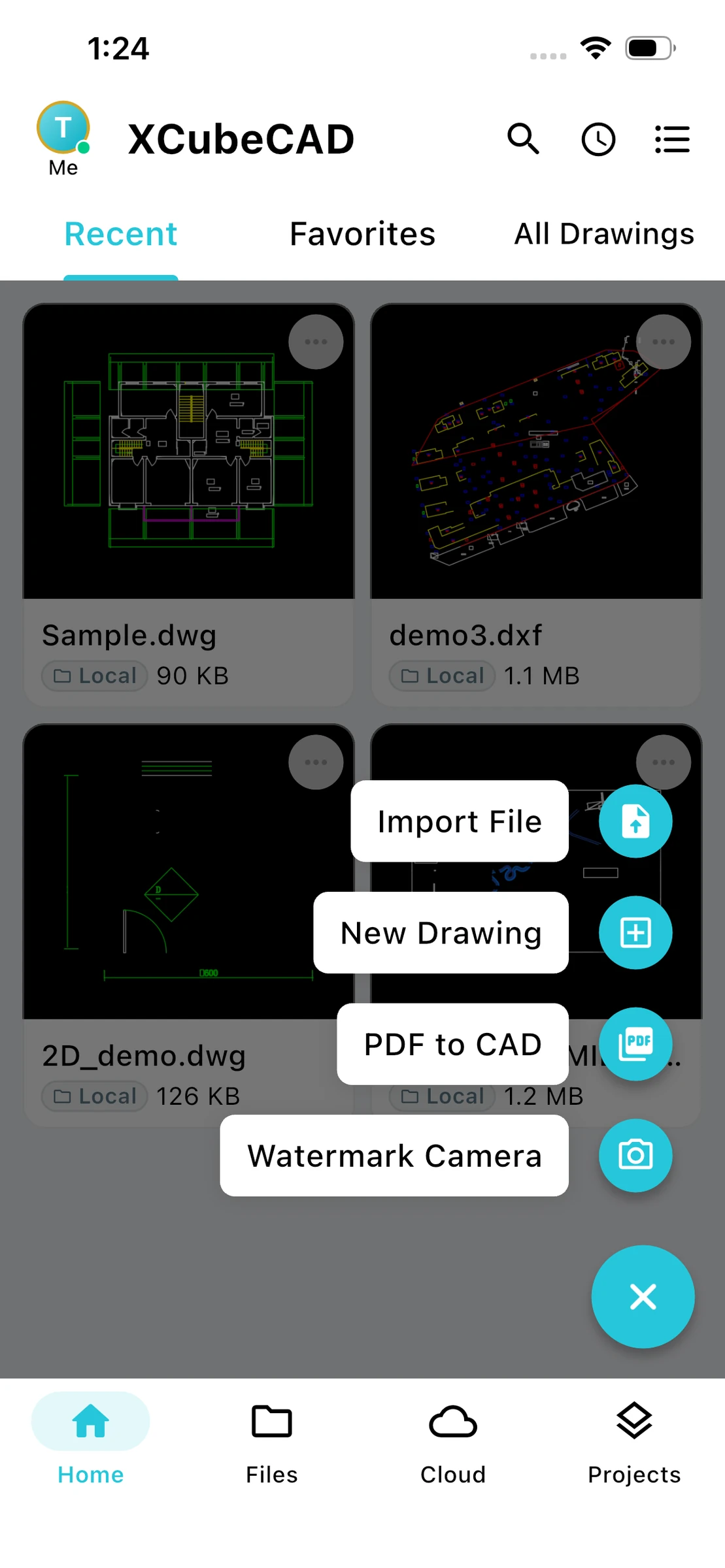 View full size
Designed with architects, engineers, surveyors and site teams who need the real drawing — not a PDF snapshot.
Open DWG and DXF files from Files, email, cloud drives or other apps. Drawings render with their original colors, linetypes, lineweights, text styles and blocks, in model space and paper space layouts.
Site plans, survey drawings and building services layouts can be huge. XCubeCAD Viewer loads them progressively and keeps navigation responsive, so you can work with full drawings instead of exported fragments.
See every layer in the drawing and turn layers on or off to focus on what matters — structure, services, dimensions or annotations.
Measure lengths and areas with object snaps for exact results. Pro adds angles, coordinates, continuous measurement, precision settings and totals.
Mark up issues directly on the drawing with text and shapes. With Pro, attach photos, voice notes and video, and number your comments for clear handover.
Search the drawing for text and block names and jump straight to each result — no more hunting for a room number or equipment tag.
Explore phone, tablet and desktop editions. See the download page for current platform availability.
One universal app for iPhone and iPad, optimized for both screen sizes.
Available on the App Store
For Android phones and tablets, with the same viewing, measurement and markup tools.
Available on Google Play
A Mac version of XCubeCAD Viewer is in preparation for the Mac App Store.
Coming soon
Explore the desktop workspace in our screenshots. English Windows download details will be published here when available.
Coming soon
Free to download. Upgrade to Pro inside the app when you need advanced measurement, rich markup and editing.